
Foundation: Galactic Frontier Codes (November 2026)
Foundation: Galactic Frontier codes for November 2026: what Pocket Gamer and SuperCheats list as active, why the lists disagree, rewards and how to redeem.
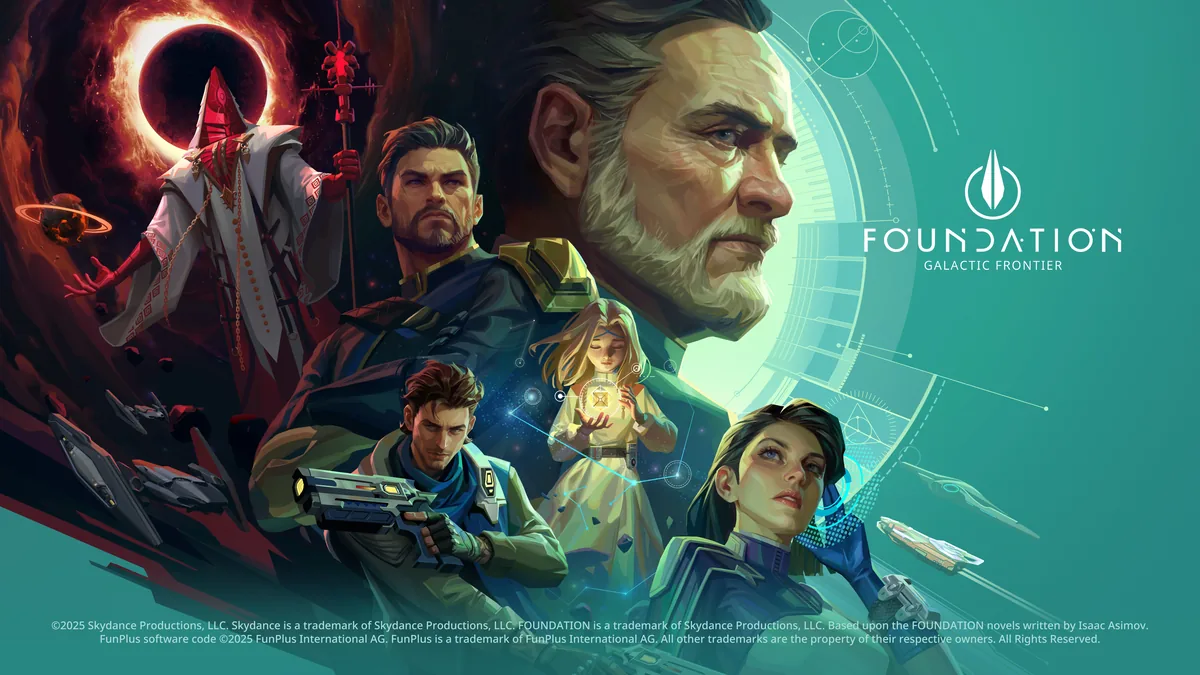
Foundation: Galactic Frontier codes give free rewards such as speedups, Water and Metal, but the two codes sites we checked on November 17, 2026 don't agree on which ones still work. This page puts both lists side by side: Pocket Gamer's (updated November 14, 2026) and SuperCheats' (as we read it on November 17, 2026). We haven't tested the codes ourselves, so try every one that either site marks as active. Below are the Foundation: Galactic Frontier codes, the rewards where a source states them, the expired codes, how to redeem a code and what to do when one fails.
Active Foundation: Galactic Frontier Codes (November 2026)
| Code | Pocket Gamer (updated November 14, 2026) | SuperCheats (read November 17, 2026) | Rewards stated |
|---|---|---|---|
| FOUNDATION | Active, no expiry date | Expired | 30m Universal Speedup x3, 10,000 Water x3, 10,000 Metal x3 (Pocket Gamer) |
| FURTHERFUTURE | Active, no expiry date | Expired | 30m Universal Speedup x3, 10,000 Water x3, 10,000 Metal x3 (Pocket Gamer) |
| FGFAnnivCheers | Not listed | Working | Not stated |
| FNDBOO26 | Not listed | Working | Not stated |
| CHAMPIONSPIRIT | Expired | Working, but also in its own expired list | Not stated |
| PLAYONPC2026 | Not listed | Working | Not stated |
SuperCheats writes "Redeem for reward" next to each of its four codes and names no rewards, so we don't either. The only reward details in our sources are Pocket Gamer's, for FOUNDATION and FURTHERFUTURE.
Why the Two Lists Disagree
Neither page says when each code was added or last tried. Pocket Gamer marks its page "checked for codes" on November 14, 2026. SuperCheats' page carries a first-publication date of November 24, 2025 and no update date, though its list includes codes with 2026 in their names.
SuperCheats' own notes give reasons a code can stop working or work only for some players: some codes last only a few days or weeks or are tied to limited events, some are only available in a specific region, and old codes occasionally return. So the practical answer is to try all six. CHAMPIONSPIRIT is the most doubtful: Pocket Gamer lists it as expired, and SuperCheats has it in both of its lists.
One more code has come up: Packsify's beginner guide (October 31, 2026) told players to redeem FGF1stAnniv before it ended on November 7, 2026. Neither codes page lists it, and that date has passed.
Expired Codes
These are the codes the two sites list as expired. SuperCheats keeps them listed for reference and notes that old codes occasionally return.
| Listed as expired by | Codes |
|---|---|
| Both Pocket Gamer and SuperCheats | HERPOWER, LUNARFOUNDATION, TRADERS100K, HAPPYFRIDAY, HERORIZON, CHAMPIONSPIRIT, COSMIC2026, PSYCHICEGG, SCIFILOVERS, ONEMORE, SELFCARE, STELLARSTART, FOUNDALLOWEEN25, STARGIVING25, WINTERSTARS |
| SuperCheats only (Pocket Gamer lists them as active) | FOUNDATION, FURTHERFUTURE |
| SuperCheats only (15 of the 25 other expired codes it lists) | VALENTINE2026, MOONFESTIVAL26, S2SupplyDrop, CHILDRENSDAY26, MOTHERDAY26, NavigationDay26, GALACTICNEWYEAR, GALAXYTHANKS, GALAXYWITHYOU, GALACTICGIFTS, CHEERS100K, TRUEVETERAN, VETERANSGIFT, NEWFRONTIER, WIZARDS |
SuperCheats says new codes tend to drop during events, so a new event is a good moment to look for one.
How to Redeem Foundation: Galactic Frontier Codes
Pocket Gamer and SuperCheats describe the same route; put together, the steps are:
- Open the game and tap your profile icon in the top-left corner of the screen.
- Tap Settings.
- Tap Account.
- Scroll down and tap Redeem Gift Code at the bottom of the screen.
- Type or paste the code into the "Please enter your gift code" field.
- Tap Exchange to claim the reward.
Settings → Account is also where FunPlus's official 10 Tips guide tells you to bind your account, so your progress stays safe, recoverable and playable across PC, Android and iOS. If you play on Steam, our Steam account page covers the Steam side of your account. Pocket Gamer labels its code page iOS + Android, while SuperCheats lists PC, Android and iPhone/iPad.
The rewards are basic resources. In the official guide, Water and Metal are primary resources used for construction, upgrades and champion promotion, and Speed-Ups are a secondary resource the guide suggests using during events or critical missions. Our beginner guide explains where they fit in your first days.
When a Code Doesn't Work
SuperCheats lists the usual reasons:
- It has expired. Some codes are short-lived or belong to a limited event.
- A typo. Codes are sometimes case-sensitive, so copy and paste them, and check for spaces before or after the code.
- You already used it. Each code works once per account.
- It is region locked. Some codes are only available in certain regions.
- A server error. Try again later.
Where to look for new codes:
| Where | What the source says |
|---|---|
| Events in the game | New codes tend to drop during events (SuperCheats) |
| The Discord server | Pocket Gamer suggests joining it, or bookmarking its codes page |
| FunPlus's official channels | The official site links X (@FoundationGF_EN), Instagram, Facebook, YouTube and Discord |
| Steam news | FunPlus's post of October 30, 2026 invited players to its official Discord |
We haven't checked which codes those channels posted. All the official channels are linked at the top of the official Foundation: Galactic Frontier website.
Frequently Asked Questions
What are the active Foundation: Galactic Frontier codes?
On November 17, 2026: FOUNDATION and FURTHERFUTURE according to Pocket Gamer (updated November 14), and FGFAnnivCheers, FNDBOO26, CHAMPIONSPIRIT and PLAYONPC2026 according to SuperCheats. The two sites disagree and we haven't tested the codes, so try all six.
Why is my Foundation: Galactic Frontier code not working?
It may have expired, been typed wrong (codes can be case-sensitive), already been used on your account, be region locked, or hit a server error, according to SuperCheats.
Where do I enter codes?
Tap your profile icon (top left), then Settings, Account and Redeem Gift Code. Enter the code and tap Exchange.
Can I use a code more than once?
No. SuperCheats says each code works once per account.