
Foundation: Galactic Frontier Beginner Guide: Where to Start
Foundation: Galactic Frontier beginner guide: protect your account, push the Energy Core, keep Food, Water and Metal flowing, build one team and join a guild.
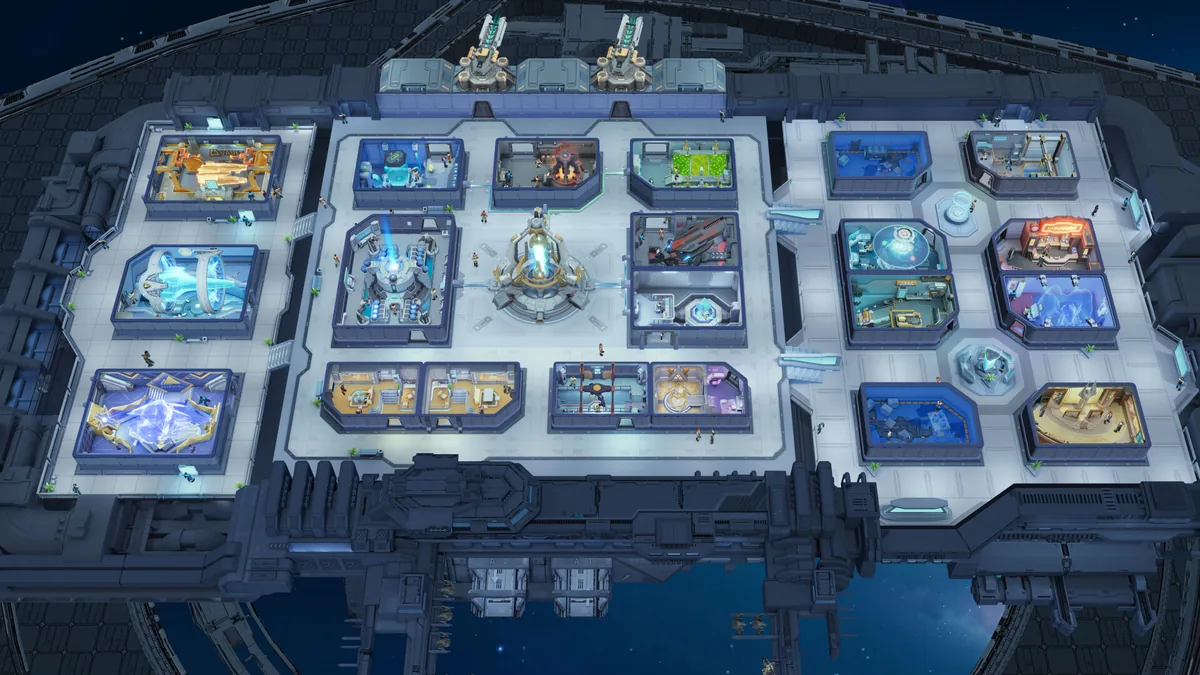
This Foundation: Galactic Frontier beginner guide covers your first days as an interstellar trader: the first session, why the Energy Core comes first, which resources matter, your first champion team and when to join a guild. It draws on FunPlus's official 10 Tips You Must Know guide (October 21, 2025), its Mastering Fleet Power guide (December 3, 2025) and the official FAQ (October 9, 2026), plus a beginner guide video and the top-up seller Packsify's first-week guide (October 31, 2026). This Foundation: Galactic Frontier beginner guide applies on every platform: one account shares its progress across Windows, iOS, Android and macOS, so what you build on your phone carries over to the PC client.
Your First Session: Protect the Account and Follow the Story
FunPlus's tenth official tip is the one to do first: bind your account via Settings → Account. The official guide says this keeps your progress safe, recoverable and playable across PC, Android and iOS. If you play the Windows version through Steam, our Steam account page covers how that side works.
Then let the main story lead. The beginner guide video points out that the story is not only there for the plot: it introduces systems, opens mechanics and points you at what your account should be developing next. When you are stuck, it suggests checking just two things, your current story objective and your next Energy Core requirement. A player on the Steam discussions reported on October 30, 2026 that the story can be played solo only until Chapter 13; after that you must join an alliance to continue.
The beginner guide video's plan for the first one to two hours of Foundation: Galactic Frontier looks like this:
| Step | Why it matters | Source |
|---|---|---|
| Bind the account in Settings → Account | Progress stays safe, recoverable and shared across devices | Official 10 Tips guide |
| Play the tutorial and the main story | Story objectives unlock the systems you need | Beginner guide video |
| Keep the Energy Core upgrading | It is the main progression gate | Beginner guide video, Packsify |
| Build Food, Water and Metal production | Shortages stall every other upgrade | Beginner guide video |
| Recruit champions, invest in a small group | Materials go further on fewer champions | Beginner guide video |
| Explore nearby systems | Free resources and materials | Official 10 Tips guide, beginner guide video |
Energy Core and Resources First
Why the Energy Core comes first
Both the video and Packsify's guide put the Energy Core first. The video calls it your main progression gate: whenever progress feels slow, ask whether the core is upgrading, what blocks its next level, and whether you are spending resources on something less important instead. Packsify's guide says upgrading it unlocks the food processing room, crew cabins, the repair cabin and the recruitment hall, and raises the level caps for champions and your flagship. Neither gives a table of level requirements; Packsify's advice is to follow the main tasks, which point at the next upgrade. Our core upgrade requirements page collects what is documented.
FunPlus's own numbers come from its Epoch of Fusion Seed article (September 9, 2026): "as before", each Energy Core level raises the Champion level cap by 5 and the Flagship level cap by 1 (the article states the rule for levels 31 to 35), and level 33 unlocks a fourth battle queue. Since the February 10, 2026 update (App Store version 1.0.88), the Energy Core also generates Power, which every room needs to operate; generating Power consumes Water, and higher room levels use more Power. As a first-month target, the video suggests an Energy Core around level 20, and it stresses this is a target, not a deadline.
What each resource is for
The official guide splits resources into primary and secondary ones. Its list:
| Resource | What the official guide says it does |
|---|---|
| Food, Water, Metal, Galactic Coin | Primary resources for construction, upgrades and champion promotion |
| Credits | Speed up timers and purchase critical items |
| Action Points (AP) | Limit how many missions, Ascendancy hunts and events you can do |
| Virtuous Memories | Champion recruitment |
| Speed-Ups | Secondary resource that needs careful planning |
| Prismatic Cores | Come from Sacred Tribute rallies |
FunPlus says the secondary ones need careful planning: used during events or critical missions, they speed up your progress. The video adds two warnings. Beginners tend to react too late to production: they spend on upgrades until Food, Water and Metal all run out at once, so build dependable production early instead of maxing every production building. And save Credits and big speed-ups for progression that actually changes your account, not for trivial timers.
Champions and Fleets: Build One Team First
Ground battles use a three-champion squad on planets and space ruins. The Steam store page lists 15+ heroes and suggests mixing tank, dps and healer trios into a 3-hero strike team. The video's main rule is not to build every champion you recruit: start with roughly three to four useful champions, grow toward four to six, and build one or two dependable three-champion teams over the first month, judging each by role, synergy and whether you can keep developing them. Packsify's guide adds a healer to the first team and notes that beginner guides name Klara as the early healer, who heals champions in a circular field. For rankings, see our tier list and best team pages.
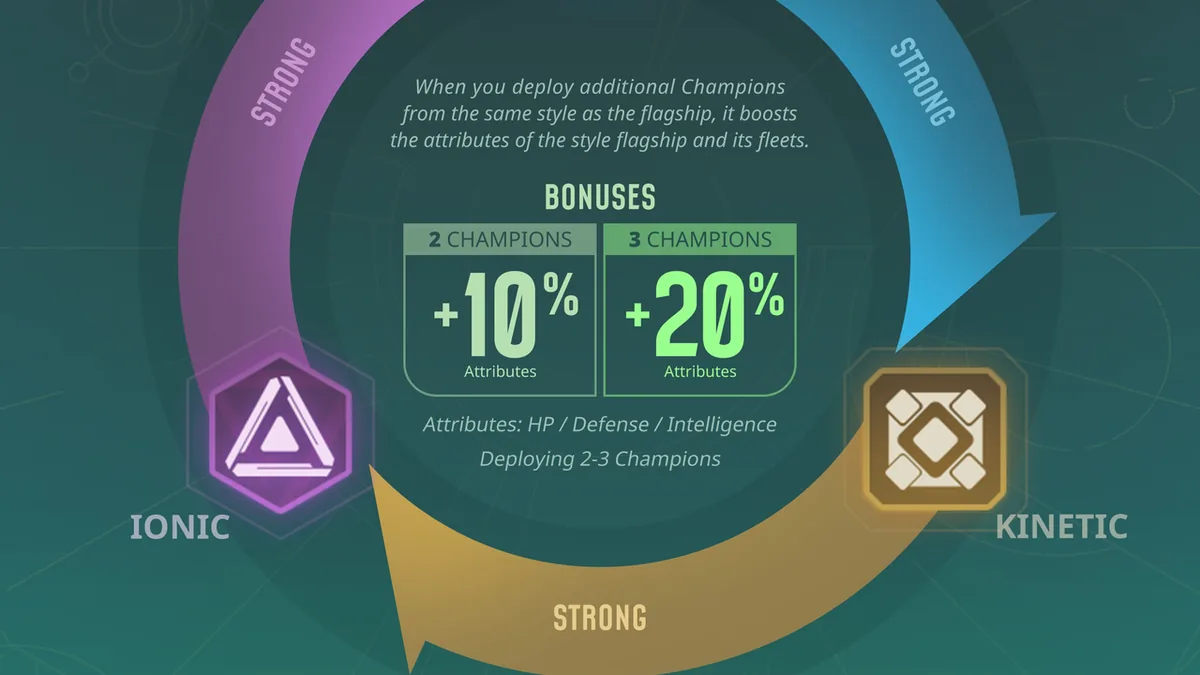
In space, every ship and champion in Foundation: Galactic Frontier has one of three styles, and FunPlus's fleet guide gives the rules (more in Kinetic vs Beam vs Ion):
| Style | Strong against | Weak against |
|---|---|---|
| Beam | Kinetic | Ion |
| Kinetic | Ion | Beam |
| Ion | Beam | Kinetic |
Per that December 3, 2025 guide, hitting a target you counter gives a 5% damage boost. In the same December 2025 guide, two champions matching their ships' style give +10% ATK, DEF and INT, and three give +20%. Skills fire in formation order, left to right, so supports and debuffers go first. Our fleet power page goes deeper.
Packsify's guide names three flagships, Gram, Demerzel and Opportunity, and advises deciding on your flagship type before buying your first pack. A fourth flagship, Gungnir, reaches servers that have been live for at least 27 weeks (App Store version 1.1.59, May 27, 2026).
Map, Guild and Home Port
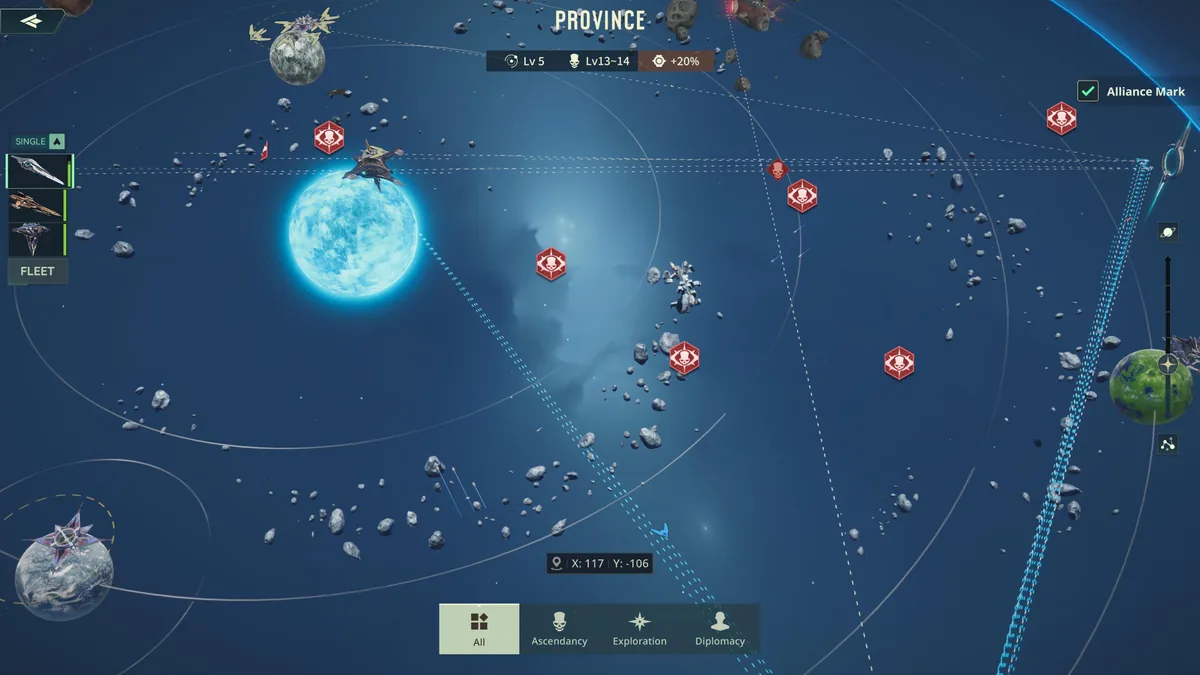
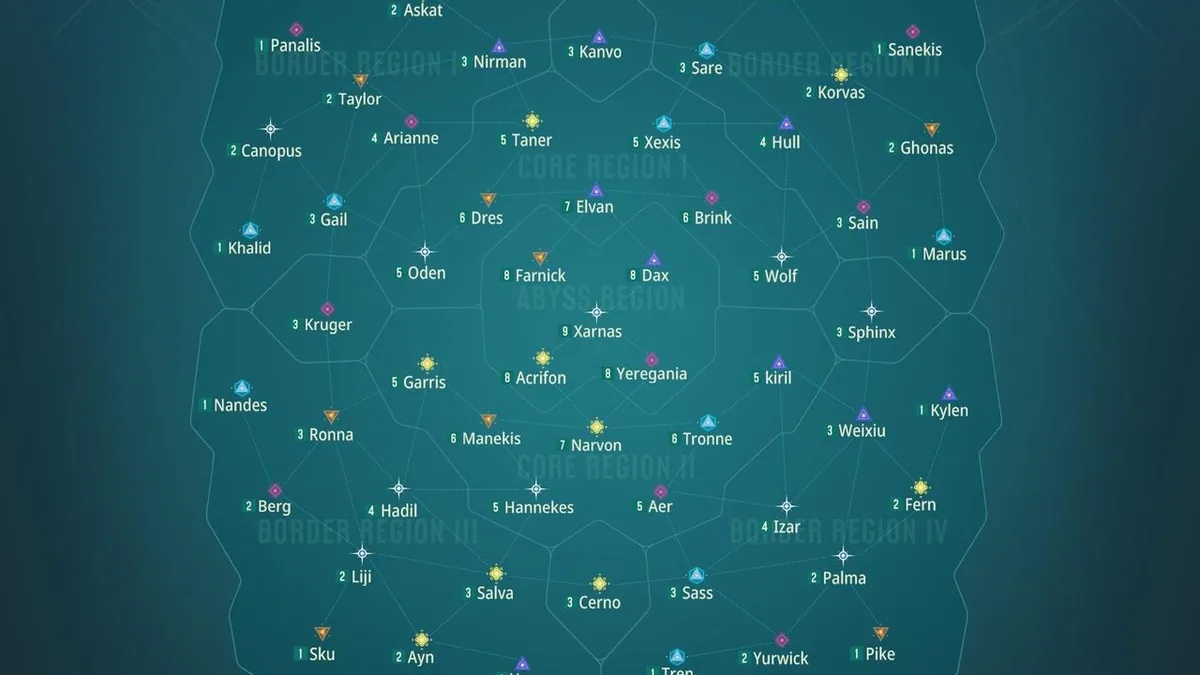
Each new Province Server starts its players in a Border Region (I–IV), the outer edges of the map, and systems unlock gradually over the first weeks. Exploring planets, systems and free-floating space debris gives resources, bonus loot and champion upgrade chances. Hyperspace Teleports move you between regions, but each additional teleport costs more resources.
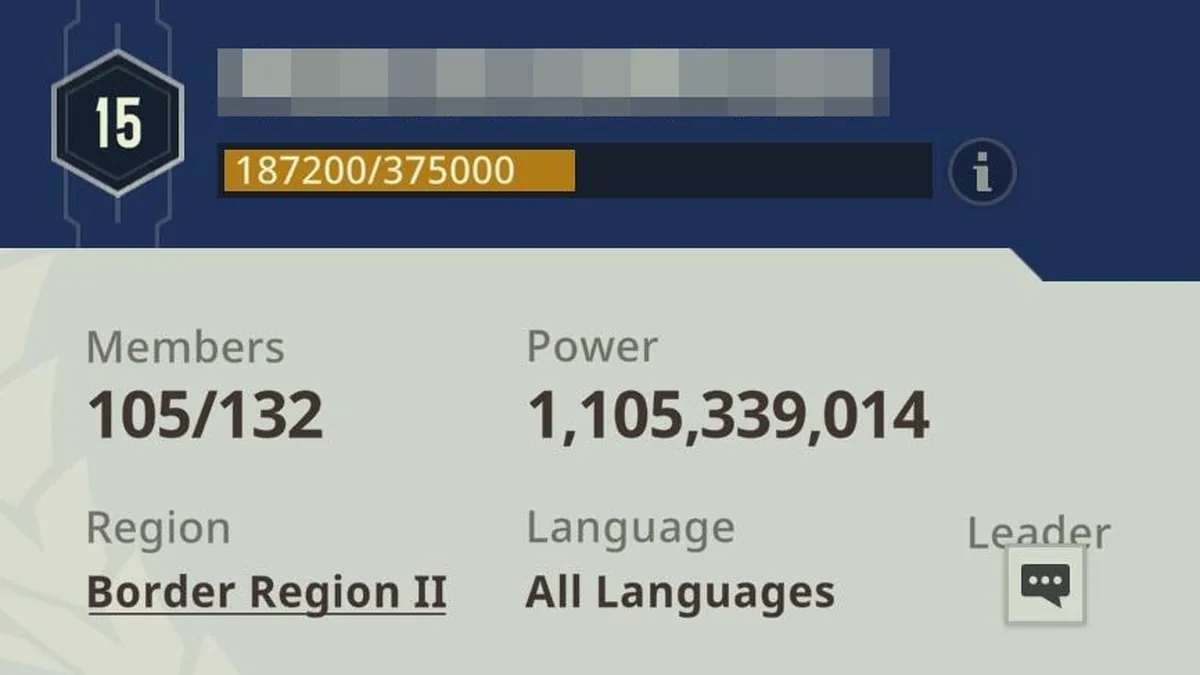
Join a Commerce Guild early. The official guide lists shared resources, coordinated battles and guild-exclusive events; you can apply to a guild, request an invitation or start your own. The video adds: join an active one, and don't wait until you feel stronger. If yours goes quiet later, see how to change guild. Don't expect a peaceful server either: players on the Steam discussions say there are no PvE-only servers (November 2026).
Next, settle a Home Port: a Neutral Port in your starting system or a Port your guild holds. It gives a Settle-in Buff, instant fleet recall and automatic redeployment near the port, and Trader Commissions refresh in its star system. A new guild's first port occupation is easier: per the official guide, first-time attacks on Level 1 Planet Ports need no prior territory. For anything else, the in-game Encyclopedia Galactica is under Profile → Encyclopedia Galactica.
Daily Routine and Mistakes to Avoid
The video's daily routine is short: check whether the Energy Core is ready to upgrade, collect Food, Water and Metal, do the useful story and daily tasks, explore, check the guild, spend Action Points on something useful and don't waste champion materials. Server-wide events such as Top 100 Galactic Traders, Arms Race and Defend the Trade Route run on timers, so FunPlus suggests Guild notifications and the in-game calendar. Packsify also recommends redeeming the active gift codes.
The beginner mistakes the video lists:
- Neglecting the Energy Core
- Building every champion instead of one team
- Ignoring Food, Water and Metal production
- Waiting too long to join a guild
- Exploring further than your account can handle
- Wasting speed-ups
- Treating combat as if the ship is the only thing that matters
Frequently Asked Questions
What should I do first in Foundation: Galactic Frontier?
Bind your account in Settings → Account, follow the main story and keep the Energy Core upgrading while you build Food, Water and Metal production.
Does this Foundation: Galactic Frontier beginner guide apply on PC and mobile?
Yes. The official FAQ says progress is shared across Windows, iOS, Android and macOS on the same account, so the same priorities apply everywhere.
Which champions should a beginner build in Foundation: Galactic Frontier?
A small group: the beginner guide video suggests three to four useful champions at first and one or two dependable three-champion teams within the first month. For fleet battles, FunPlus's fleet guide adds a bonus when two or three champions match their ships' style.
Can I play Foundation: Galactic Frontier solo?
Only for part of it. A player on the Steam discussions reports that the story needs an alliance after Chapter 13, and other players there say there are no PvE-only servers.
Related Guides
Ascendancy Shrine Loot Guide
Foundation: Galactic Frontier ascendancy shrine guide: when Shrines spawn, the level 150 ships in level 7 systems, legendary blueprint drops and quest gates.
Change Guild: Leave and Join
Foundation: Galactic Frontier change guild guide: how to quit a Commerce Guild, what to check first, how to pick and join a new one, and the rules for leaders.
Change Server and Region Moves
Foundation: Galactic Frontier change server guide: how Province Servers and Border Regions work, the Hyperspace Teleport, its conditions and other options.
Commissions and Trade Attempts
Foundation: Galactic Frontier commissions: where Trader Commissions refresh, how Home Port level improves them, Trade Attempts by level and what they feed into.