
Foundation: Galactic Frontier Home Port: Rules and Buffs
Foundation: Galactic Frontier home port guide: what settling unlocks, which Ports you can pick, how to settle in, the level 1–9 buff table and daily rewards.
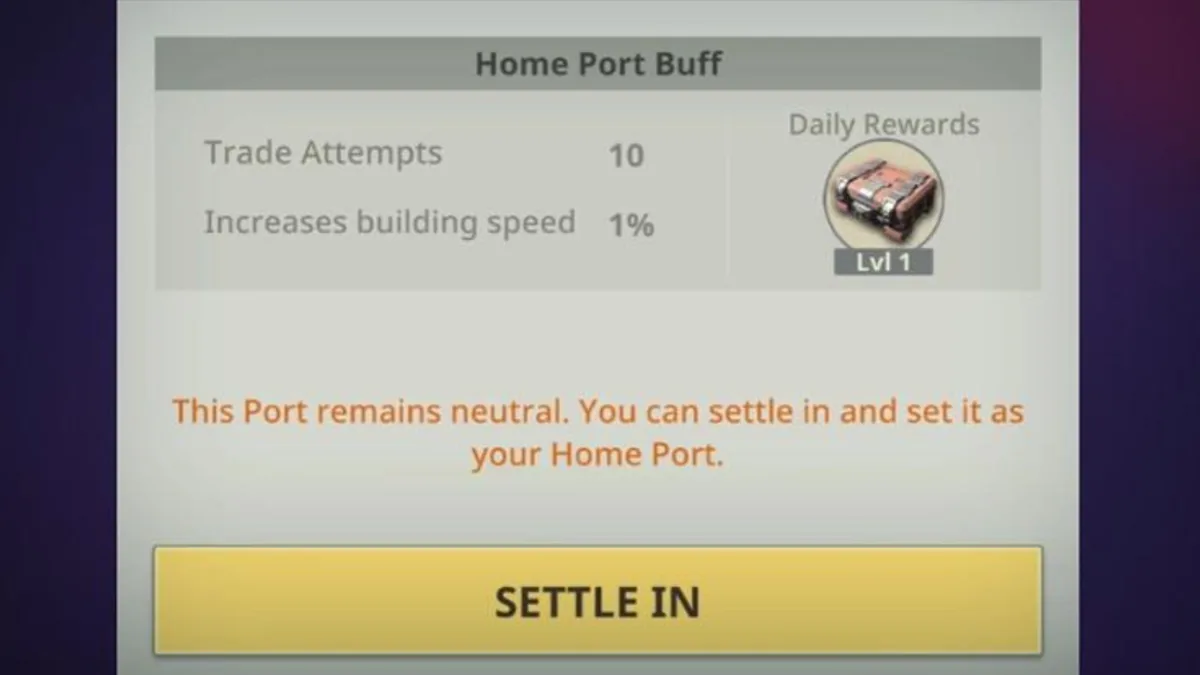
Your Foundation: Galactic Frontier Home Port is the Planet Port your trader settles in, and it does more than mark a spot on the map: it decides where your fleet respawns, where your Trader Commissions appear and how many trade trips your flagship can make. This Foundation: Galactic Frontier home port guide is based on FunPlus's official Home Port guide (October 21, 2025) and the patch notes up to version 1.1.188 (October 21, 2026): what settling unlocks, which Ports you can pick, how to settle in, the level table and how to claim the rewards.
What a Home Port Gives You
Settling in a Planet Port unlocks these features, according to the official guide:
- Settle-in Buff: a set of benefits unique to the Port you chose.
- Instant Fleet Recall: teleports your fleet to the area around your Home Port. Recall teleports regenerate every 15 minutes.
- Automatic Redeployment: if your fleet is defeated, it respawns at a random point near your Home Port.
A fourth feature came later: version 1.0.18 (October 30, 2025) added Home Port Logistics, so fleets at your Home Port reduce their Major Damage over time while they are not in combat.
Your Trader Commissions also refresh in the star system where your Home Port is. As the Home Port levels up, the guide says you unlock higher-quality commissions, more trade capacity and a longer fleet reach.
Which Ports You Can Settle In
Each trader can have only one Home Port at a time. You can choose a Neutral Port in your starting system or a Port your guild occupies, and the level of Planet Port you can settle in depends on your Energy Core level (see our core upgrade requirements page).
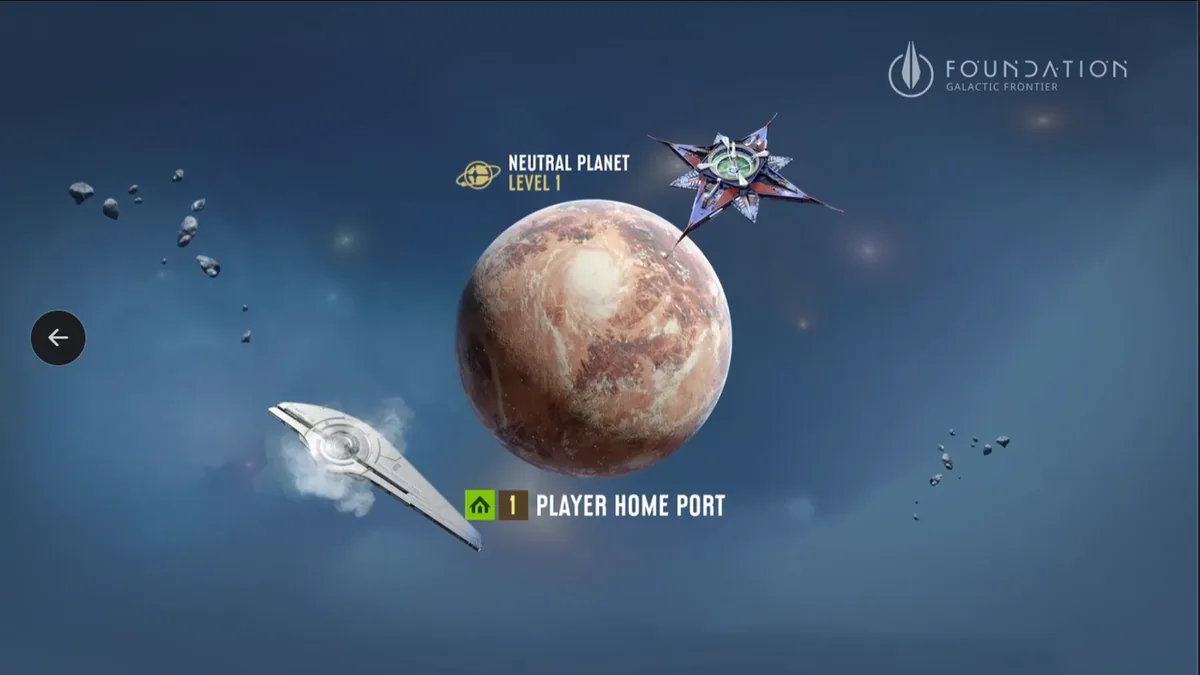
Neutral Ports are open planets that any guild can claim as a Home Port. They only appear in systems up to Level 5 and don't add Resource Earnings for any guild, and the guide calls them ideal for independent traders and new players. A Neutral Port also has to be in the region where you started the game (Border Region III, for example), unless your guild already has Ports in that region.
Guild Planetary Ports add Resource Earnings for your guild and Occupation Points toward Guild Rankings, unlock gradually through the Trade Era cycles, and with research a guild can hold up to 16 of them. Beyond Level 5, only guilds with Planetary Ports in a system can set up a Home Port there. Guilds take these Ports through Port Occupation, and the occupation guide lists the Home Port Buff among the rewards of holding a Planet Port.
Star Ports can't be settled or used as Home Ports, only garrisoned.
A single Port also has a settling limit: version 1.0.88 (February 10, 2026) raised it from 150 to 200.
| Port type | Can it be your Home Port? | Conditions |
|---|---|---|
| Neutral Port | Yes | Systems up to Level 5; in your starting region unless your guild has Ports there |
| Planet Port your guild occupies | Yes | Port level allowed by your Energy Core level |
| Planet Port in a system above Level 5 | Only through a guild | Your guild needs a Planetary Port in that system |
| Star Port | No | Garrison only |
How to Settle In
The official guide gives four steps:
- Tap the Port you chose in the Star System.
- Tap "Port" to settle in. The dialog shows the Home Port Buff, the daily reward and a Settle In button, as in the picture at the top of this page.
- To find your Home Port quickly later, tap the Home Port icon on the map.
- Tap Recall to teleport your fleet back; Recall teleports regenerate every 15 minutes.
If you plan to move to another region of your server, check the region rule above first; our change server page covers region moves.
Home Port Levels and Buffs
The Home Port's level decides three boosts:
- Trade Attempts (TA): the number of trade trips your flagship can make.
- Building Speed (BS): shortens upgrade and construction times.
- Daily Reward (DR): your daily chest quality, which matches your Port's level.
This is the table from the official guide (October 21, 2025), with Building Speed written as the guide writes it:
| Level | Trade Attempts | Building Speed boost | Daily Reward tier |
|---|---|---|---|
| L1 | 10 | 0.02 | L1 |
| L2 | 16 | 0.03 | L2 |
| L3 | 20 | 0.03 | L3 |
| L4 | 26 | 0.04 | L4 |
| L5 | 30 | 0.05 | L5 |
| L6 | 36 | 0.05 | L6 |
| L7 | 40 | 0.06 | L7 |
| L8 | 40 | 0.07 | L8 |
| L9 | 40 | 0.08 | L9 |
The settle-in dialog pictured in the same guide (October 21, 2025), for a neutral Port with a Lvl 1 daily reward, shows Trade Attempts 10 and "Increases building speed 1%", while the table gives 0.02 for L1. The guide doesn't explain the difference; the dialog of the Port you pick shows the values that apply to it.
Star Ports add one more trade boost on top: a Star Port gives a 20% trade bonus when you trade to its system from your Home Port, according to the official Port Occupation guide (October 21, 2025).
To claim the rewards:
| Reward | How to claim it |
|---|---|
| Daily Reward | Complete Trade Network Events |
| Resource Earnings | Guild → Ports → Claim |
The guide's closing advice: keep your Home Port levelled and active, join a strong guild to reach higher-tier Planetary Ports, balance independence on a Neutral Port against guild cooperation, and claim your rewards every day, because unclaimed resources are missed. FunPlus's full text is in the official Home Port guide.
Frequently Asked Questions
How do I set a Foundation: Galactic Frontier Home Port?
Tap a Neutral Port in your starting system or a Planet Port your guild occupies, tap "Port" and settle in. The Port's level has to be within what your Energy Core level allows.
Can a Star Port be my Home Port?
No. Star Ports can only be garrisoned. They help in another way: the official Port Occupation guide (October 21, 2025) gives a 20% trade bonus when you trade to their system from your Home Port.
Why can't I settle in a higher-level Port?
Three limits apply: Neutral Ports only exist in systems up to Level 5; beyond that, your guild needs a Planetary Port in the system; and your Energy Core level caps the Port level you can choose.
How often can I recall my fleet to my Foundation: Galactic Frontier Home Port?
Recall teleports regenerate every 15 minutes, according to the official Home Port guide.
Related Guides
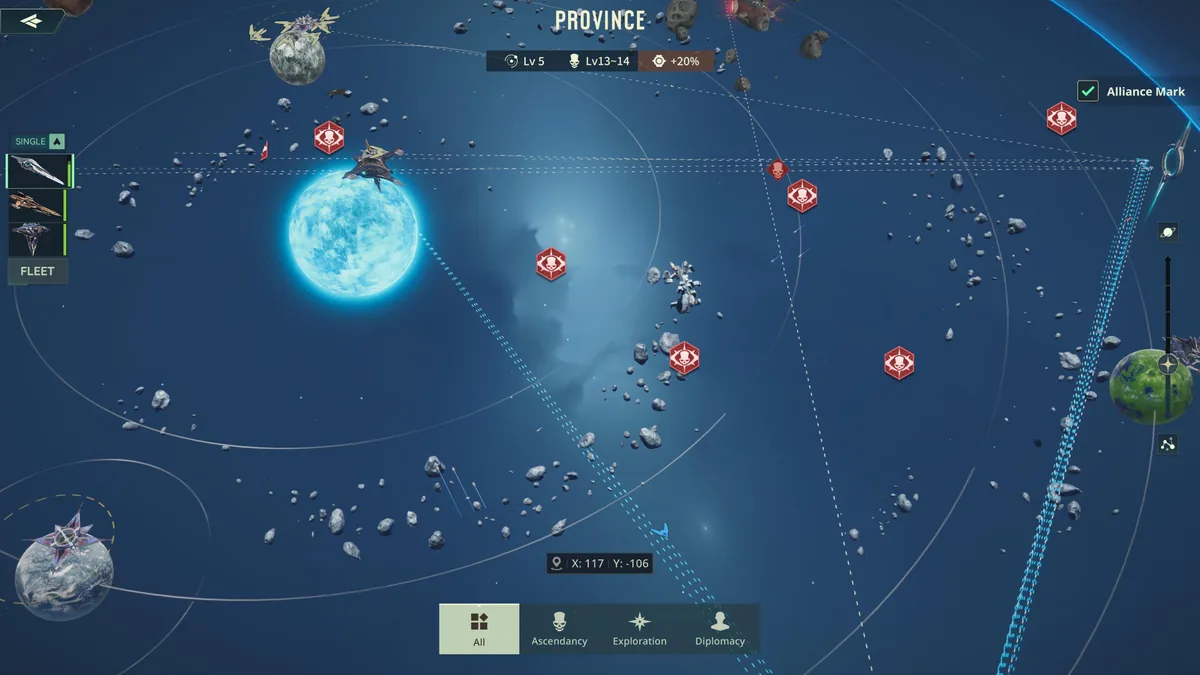
Ascendancy Shrine Loot Guide
Foundation: Galactic Frontier ascendancy shrine guide: when Shrines spawn, the level 150 ships in level 7 systems, legendary blueprint drops and quest gates.
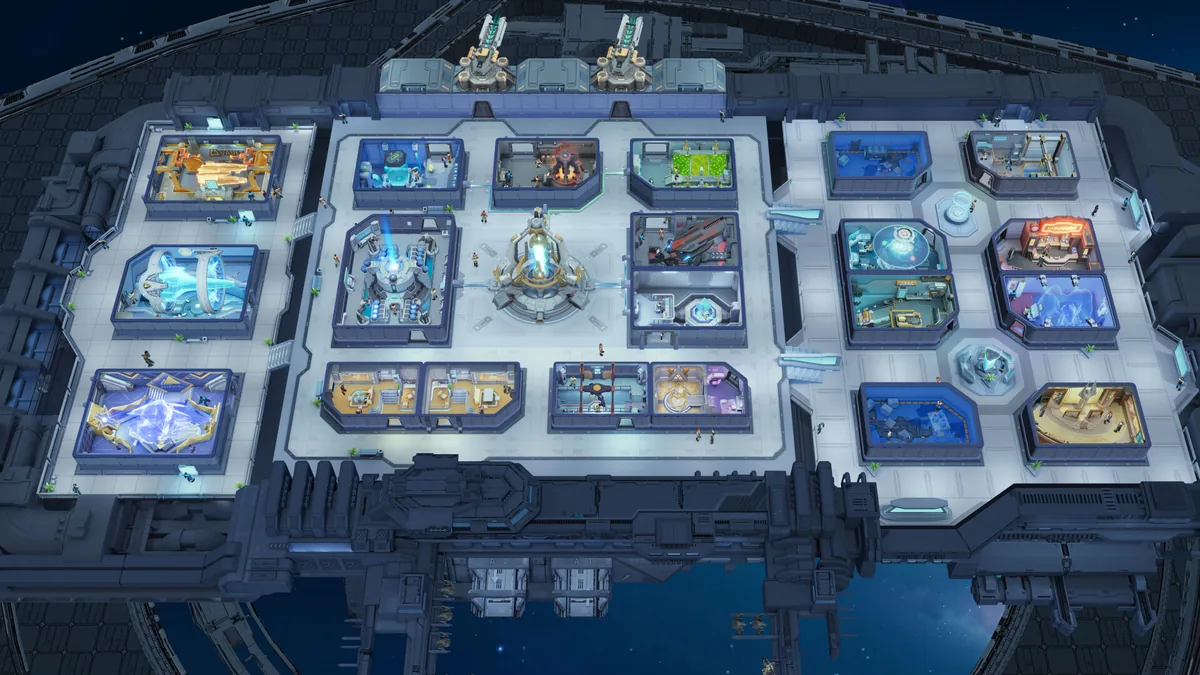
Beginner Guide: Where to Start
Foundation: Galactic Frontier beginner guide: protect your account, push the Energy Core, keep Food, Water and Metal flowing, build one team and join a guild.
Change Guild: Leave and Join
Foundation: Galactic Frontier change guild guide: how to quit a Commerce Guild, what to check first, how to pick and join a new one, and the rules for leaders.
Change Server and Region Moves
Foundation: Galactic Frontier change server guide: how Province Servers and Border Regions work, the Hyperspace Teleport, its conditions and other options.