
Foundation: Galactic Frontier Download: Phone, PC and Mac
Foundation: Galactic Frontier download for iPhone, Android, Windows and Mac: official stores, sizes, requirements, PC install steps and antivirus reports.
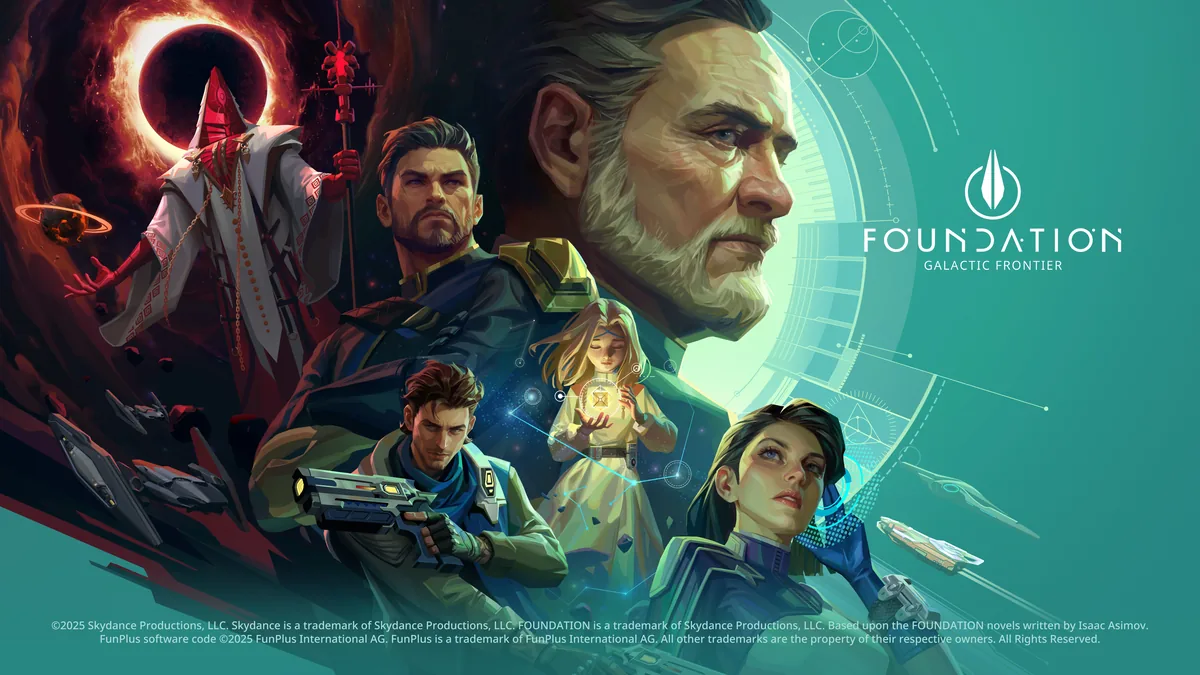
A Foundation: Galactic Frontier download is free on every platform: the App Store for iPhone, iPad and Mac, Google Play for Android, and three routes on Windows, namely FunPlus's own launcher, Steam and Google Play Games on PC. This page lists each official Foundation: Galactic Frontier download, the size and device requirements, how the PC install works, what to do right after installing, and what players have reported about antivirus warnings. Store details are as checked on November 17, 2026.
Official Foundation: Galactic Frontier Download Sources
The easiest starting point is the official website: its download area links the App Store, Google Play, the Windows launcher and the Mac version, next to a download QR code.
| Device | Official source | Requirement |
|---|---|---|
| iPhone | App Store | iOS 13.0 or later |
| iPad | App Store | iPadOS 13.0 or later |
| Mac | App Store (Mac version) | macOS 12.0 or later and an Apple M1 chip or later |
| Apple Vision | App Store | visionOS 1.0 or later |
| Android | Google Play (package com.games.foundation) | Not stated on the listing |
| Windows | Official PC launcher, Foundation.PC.V1.0.exe | Not stated on the site |
| Windows | Steam (app 4223760) | 64-bit Windows 7 SP1 or better |
| Windows | Google Play Games on PC | Not stated on the listing |
On every official listing the developer is FunPlus International AG, which is a quick way to check you have the right app. The App Store and Google Play pages both point to FunPlus's privacy policy, and the official site shows the FunPlus, Skydance and Apple TV+ logos, since the game is officially licensed in collaboration with the Apple TV+ series and its production company, Skydance.
Download Size, Ratings and Store Details
| App Store | Google Play | Steam | |
|---|---|---|---|
| Price | Free, in-app purchases | In-app purchases | Free to play, in-app purchases |
| Size | 4 GB | Not shown | 8 GB available space |
| Age rating | 13+ (contains Loot Boxes, Messaging and Chat) | Teen (Violence, Blood; Users Interact, In-Game Purchases) | ESRB T, PEGI 12 |
| Rating on November 17, 2026 | 4.6 from 9.6K ratings | 4.0 from 49.6K reviews, 5M+ downloads | Mixed, 61% of 154 positive |
| Latest update shown | Version 1.1.188, October 21, 2026 | Updated October 28, 2026 | — |
Both mobile listings start with the same note: "This game includes in-game purchases (including random items)." For the Windows launcher, an install guide video shows the game download at around 5GB. A Google Play reviewer on October 31, 2026 asked FunPlus to make the game smaller, around 2 or 3 gigabytes.
Language support differs by store. Steam lists 21 languages, all with full audio; the App Store lists English and 17 more. Japanese and Korean options were added in version 1.1.0 (March 23, 2026). On Android, FunPlus's notes for version 1.1.188 (October 21, 2026) say the game will use Vulkan as its main rendering API.
How to Install Foundation: Galactic Frontier on PC
The official launcher, as shown in an install guide video:
- Open the official website.
- Click the Windows (play on PC) button; the installer, Foundation.PC.V1.0.exe, downloads.
- Run the file and click Install.
- Wait while the launcher downloads the game, about 5GB in the video.
- Start the game.
On Steam, Foundation: Galactic Frontier is free: open the store page, click Play Game and let Steam install it. The store notes that the game requires a third-party account (Google, Facebook or Discord) and agreement to its own EULA. Google Play Games on PC installs the game through Google's PC store instead. For the differences between the three Windows versions and the system requirements, see our PC guide.
After Installing: Bind Your Account First
FunPlus's official 10 Tips guide (October 21, 2025) ends with this advice: after you download the game, bind your account via Settings → Account. FunPlus says this keeps your progress safe, recoverable and playable across PC, Android and iOS, and its FAQ (October 9, 2026) adds macOS to the list of platforms that share progress.
- Moving to Steam: players report that the Steam client offers to bind new accounts but has no way to log into an existing mobile account (November 2026). Our Steam account page explains the problem and the alternatives.
- Choosing a server: a creator starting a fresh account advises picking a stable server that isn't overloaded, ideally one that opened in the last few hours, because a server that has run for a day or longer puts you behind. Moving later is covered in change server.
- Can't log in: version 1.1.153 (September 16, 2026) added a Repair button to the login and settings screens, which repairs game resources when corrupted files stop you from logging in.
- First steps in the game: our beginner guide covers the first session, and our codes page lists the gift codes that third-party code sites report as working, with their dates.
Is the Foundation: Galactic Frontier Download Safe?
Every official Foundation: Galactic Frontier download comes from the stores or FunPlus's own site, but one report has worried PC players. On November 7, 2026, a player on the Steam discussions wrote that their antivirus flagged NEP2.dll in the Steam install folder as Trojan.Win64.Reflo.kdo. The player later named it as Kaspersky, which deleted the file during installation. Other players posted the same detection, and one said Sophos also flagged the file. Another player found that NEP2.dll and NEPDaemon.exe are in the Steam installation but not in the standalone Windows client, and got no hits when scanning with Malwarebytes.
| Report (Steam discussions) | Date |
|---|---|
| Antivirus flags NEP2.dll as Trojan.Win64.Reflo.kdo and deletes it; the first poster names it as Kaspersky on November 8 | From November 7, 2026 |
| NEP2.dll and NEPDaemon.exe found only in the Steam install; Malwarebytes finds nothing | November 7, 2026 |
| Sophos detects the file as a threat and deletes it | November 14, 2026 |
We can't say whether these detections are real threats or false positives, and the thread had no reply from FunPlus when we read it on November 17, 2026. None of the reports in the threads we read concerned the official launcher. Our is it safe page follows the reports and the store privacy labels in more detail.
The store labels themselves, as published by FunPlus: Google Play says data is encrypted in transit and that you can request that data be deleted; the App Store lists purchases and identifiers as data that may be used to track you.
Frequently Asked Questions
Is the Foundation: Galactic Frontier download free?
Yes, on every store. Foundation: Galactic Frontier is free to play, with optional in-app purchases; the App Store and Google Play listings note that these include random items.
How big is the Foundation: Galactic Frontier download?
The App Store lists 4 GB, Steam asks for 8 GB of free space, and an install guide video shows the Windows launcher downloading about 5GB.
Where do I get the Foundation: Galactic Frontier download for PC?
From the Windows button on the official website (the launcher Foundation.PC.V1.0.exe), from Steam, or from Google Play Games on PC.
Does a new Foundation: Galactic Frontier download keep my progress?
FunPlus says yes, if you bound your account in Settings → Account first: progress is shared across Windows, iOS, Android and macOS. On Steam, players report that logging into an existing account wasn't possible as of November 17, 2026.
Related Guides
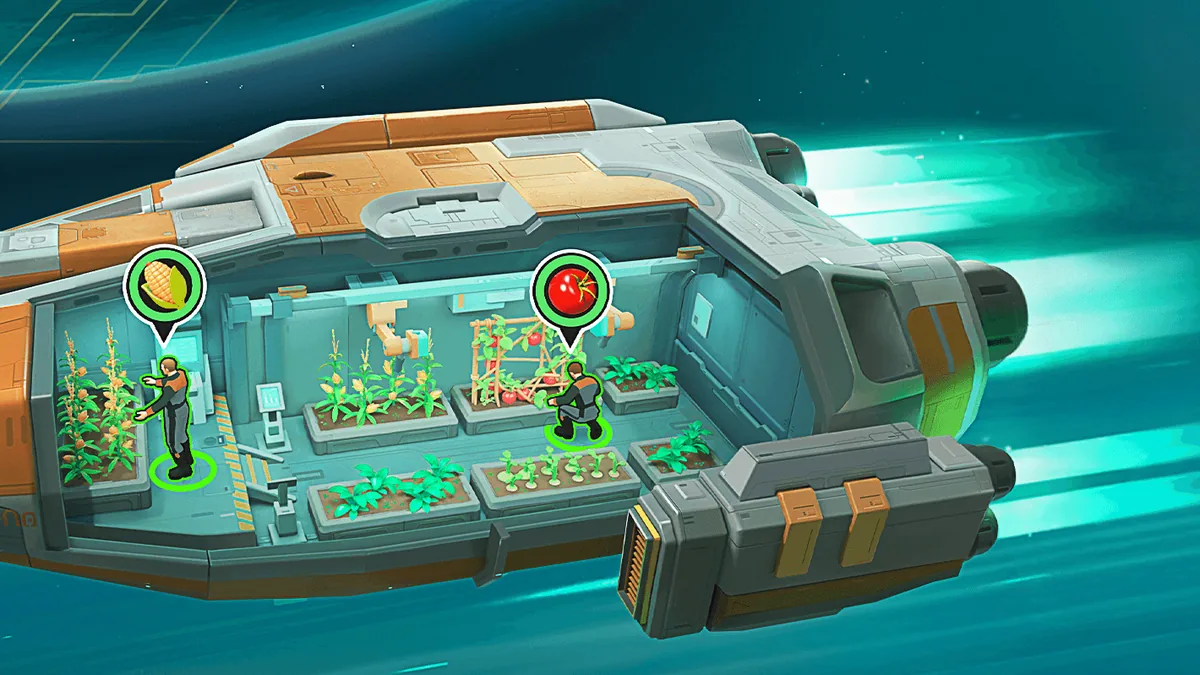
Gameplay: What You Actually Do
Foundation: Galactic Frontier gameplay explained: mothership building, fleets on the galaxy map, three-champion ground battles, guilds, PvP and spending.
PC: Ways to Play and Specs
Foundation: Galactic Frontier PC guide: the official launcher, Steam, Google Play Games and Mac compared, system requirements, account sync and known issues.
Release Date: Mobile and Steam
Foundation: Galactic Frontier release date on every platform: App Store 1.0.0 in October 2025, Steam in November 2026, the timeline and updates since then.

Steam Account Linking and Sync
Foundation: Galactic Frontier Steam account: the Google, Facebook or Discord login, why mobile accounts don't load on Steam yet, and what players do instead.